Layers by 
- Views: 201
- Created: 2mo ago
- Last updated: 2mo ago
- Version: 1
- Length: 1 frame, 0.1s
2 3 2 2

Loading comments...
More animations by SpookyTactaz:
Loading comments...
More animations by SpookyTactaz:


 SpookyTactaz
6 older comments
 dogz_animatiots
wait srry how do you use layers
 acedrawings acedrawings SpookyTactaz
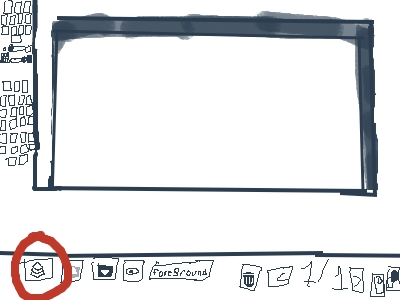
You click on the thing I circled, click add layer up to 5, use the arrow things to go up a layer or down a layer, then I’ll say backround as layer 1, foreground as layer 2, then it’s layer 3 layer 4 layer 5
dogz_animatiots ESX360 dogz_animatiots SpookyTactaz ESX360
There is two arrows beside the layers
ESX360 SpookyTactazGotcha
dogz_animatiots ESX360 ESX360 ESX360 dogz_animatiots dogz_animatiots ESX360 ESX360 dogz_animatiotsPlease sign in to post a comment